Guide NaviBoss help
How to plan a passage and load it on your ECDIS
Plan port to port, then download the route file your ECDIS reads: RTZ, Furuno, JRC and more.
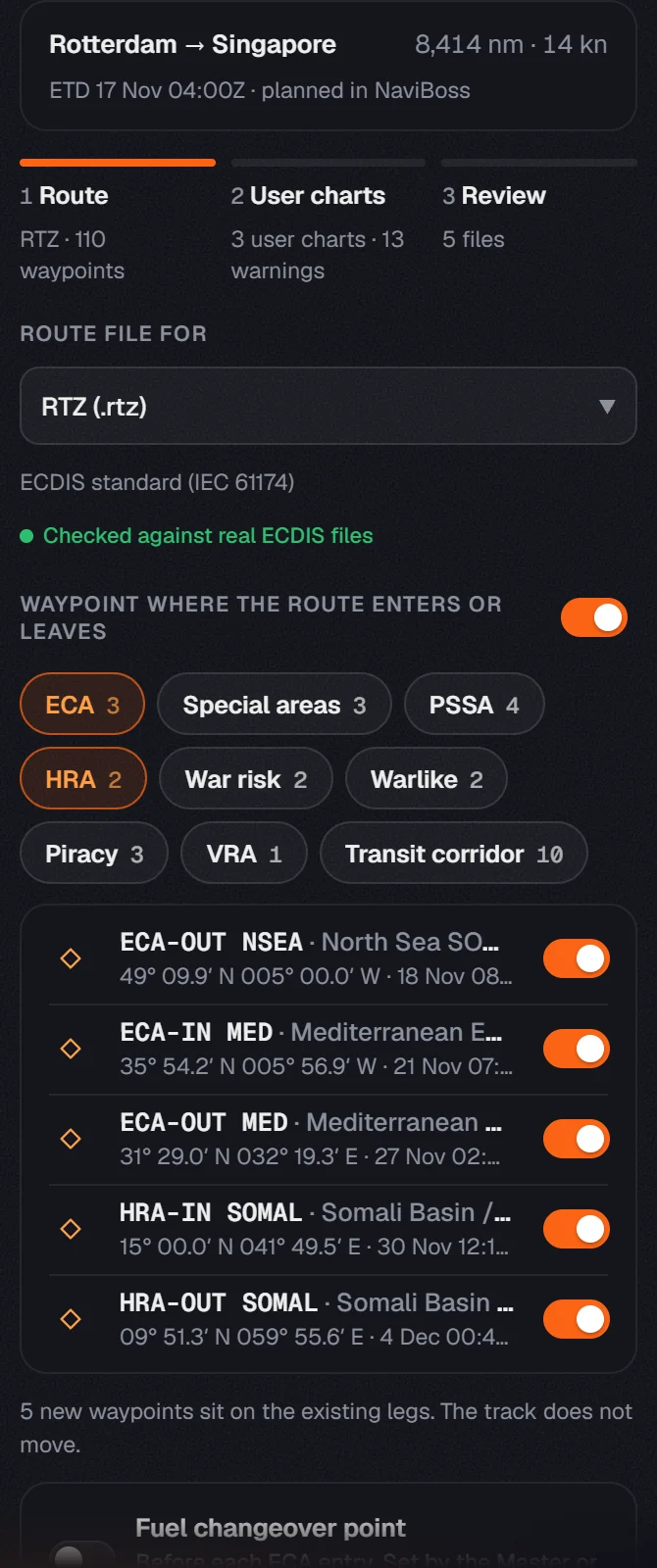
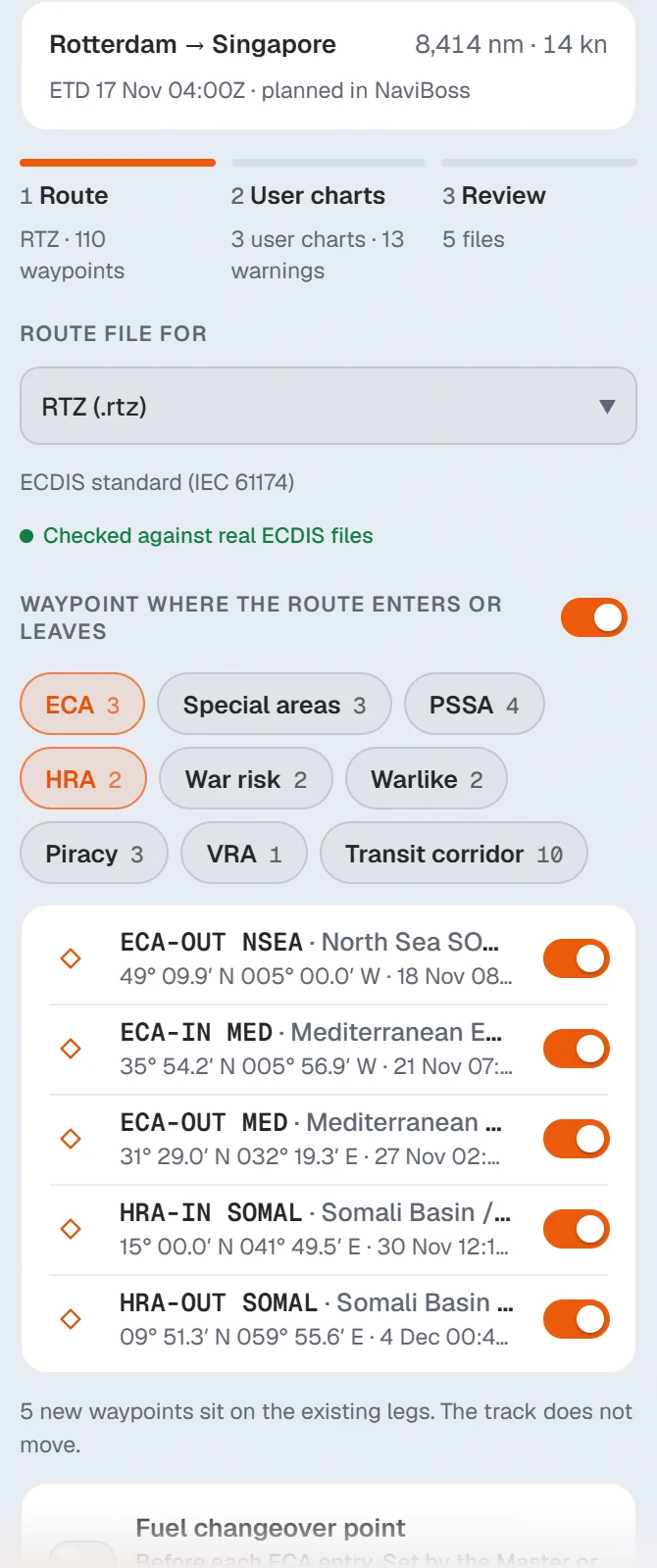
Plan the passage in NaviBoss, then take it to the bridge as a route file your ECDIS imports. The file keeps every waypoint, and the ECAs and High Risk Area crossings as waypoints of their own.
#Steps
Plan your route
Pick the Departure Port and the Arrival Port and press Plan route. See plan your first route.
Press Export to ECDIS / plotter
It is on the Routes card in the planner.
Pick your ECDIS format
Most makes read RTZ. Furuno, JRC and the others have their own rows. Press one and the file downloads.
Load it on your ECDIS
Use the ECDIS's route import, as its manual describes, and check the route there before you sail it.
About our guides
NaviBoss guides are written and checked by maritime industry experts, masters and deck officers. Each one is built from the same data the planner uses, dated, and rebuilt when that data changes. Spotted something wrong? Tell us on the feedback board.
A planning aid, not for navigation. Check official charts and publications, the latest notices and your company's instructions before you rely on any figure here.
Free Ready when you are
Do it on your own voyage
Free account, no card. The tour walks you through it in the planner.
Start the tourFree account · no card