
Guide NaviBoss help
How to choose a coast station for a DSC test call
See which MF/HF coast stations answer DSC test calls, which band answered best at each hour, and when each one last answered, before you make a test call.
The DSC tool puts the MF/HF coast stations on the chart, each coloured by how often it answers a DSC test call. The figures come from real test calls heard by volunteer receivers. Use it to choose the station, the band and the hour that give your test call the best chance of an answer.
#Read the colours
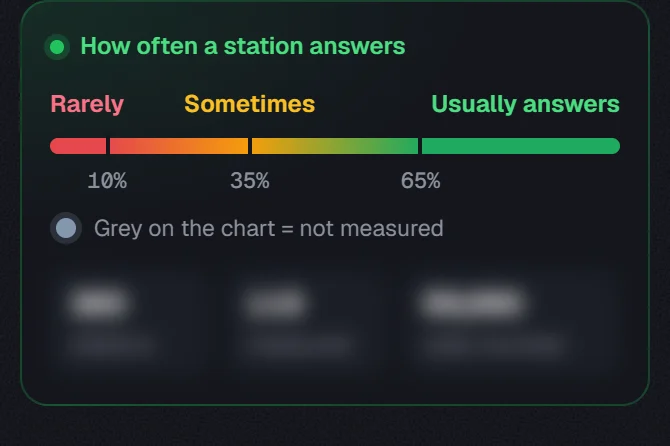
- Rarely, Sometimes and Usually answers run from red through orange to green, by the share of counted test calls the station answered within 10 minutes.
- Grey on the chart = not measured: no counted call yet. It says nothing about whether the station works.
- The three figures under the key count the stations, how many are measured, and the calls counted. They are for the whole world, not only what you see.
Grey stations show only when you zoom in, so the world chart stays clean.
#Most likely to answer
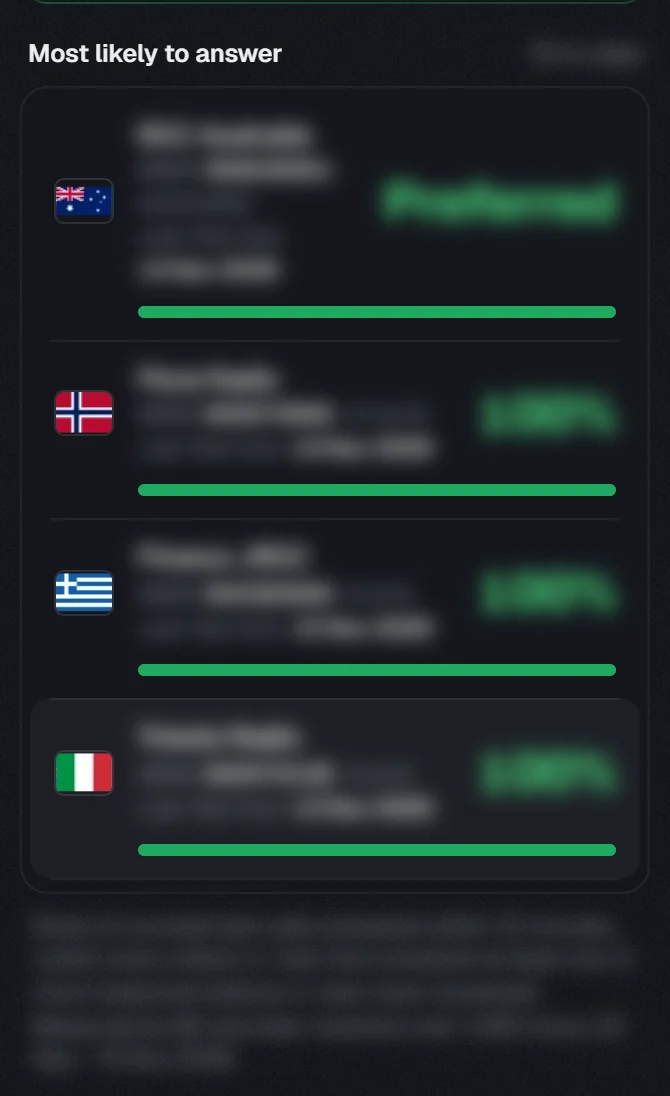
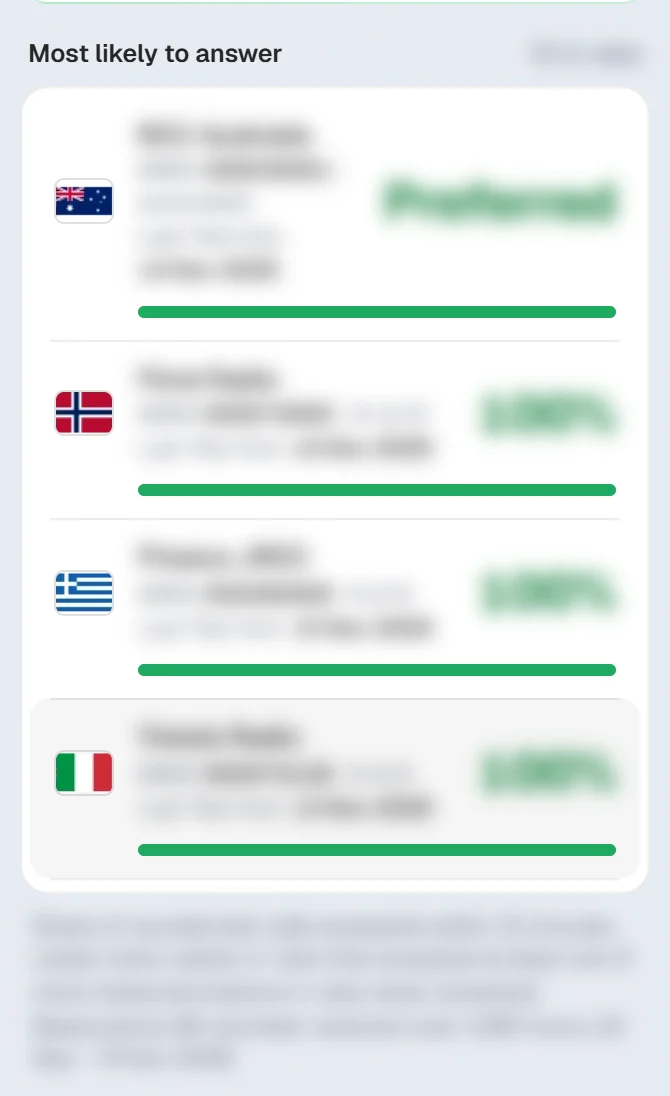
The list holds every station in the part of the chart you are looking at that has answered at least one counted call. Move or zoom the chart and the list follows. and try it.
- Each row gives the station, its MMSI, how many calls it answered out of those counted, and the share.
- Last Test Ack is the date the station last acknowledged a ship's test call.
- A station that acknowledges every call it receives is listed first as Preferred.
#Open a station
Pick the station
Click a row in the list, or click its dot on the chart. Point at a dot first for a short card with the band that answered best around this hour.
Read the answer first
The top of the panel says which band to Call on right now, with the frequency in kHz. The copy buttons put the frequency or the MMSI on the clipboard, ready for your notes.
Step through the hours
Press ‹ and › or the play button to move the hour. The bands change places as their answer rate changes. Through the day shows the next 24 hours as tiles, with the sun or moon at the station.
Check the details
Answered, Last ACK, Best time and Night · Day sum up the station. Under them, DSC watch and Hours give its watch frequencies and hours, and Counted calls says how much the figures rest on.
All times are UTC. The arrows in the panel's head, or the ↑ and ↓ keys, step to the next station in the list, at the same hour, so you can compare two stations.
#On the chart
The On chart switch at the top shows or hides the stations. The same switch is under Layers on the chart, with the other layers.
Plan a route first and the stations along it are easy to find: pan along the track and the list follows. See plan your first route, and check the NAVAREA warnings for the same passage.
About our guides
NaviBoss guides are written and checked by maritime industry experts, masters and deck officers. Each one is built from the same data the planner uses, dated, and rebuilt when that data changes. Spotted something wrong? Tell us on the feedback board.
A planning aid, not for navigation. Check official charts and publications, the latest notices and your company's instructions before you rely on any figure here.
Free Ready when you are
Try DSC coast stations on your own voyage
Free account, no card. The same tool this guide shows.
Open DSC coast stationsFree account · no card