

Account & licence NaviBoss help
How to activate NaviBoss Desktop on a PC with internet
Type your licence key on a PC that has internet and NaviBoss is activated in a few seconds. No phone and no USB stick needed.
You need NaviBoss Desktop installed (Install NaviBoss Desktop), your licence key, and internet on that PC for a few seconds. The key looks like NB-XXXX-XXXX-XXXX-XXXX and is in your payment email. Lost it? See Find your licence key.
No internet on that PC? Use Activate a bridge PC with no internet instead.
#Activate the first time you open it
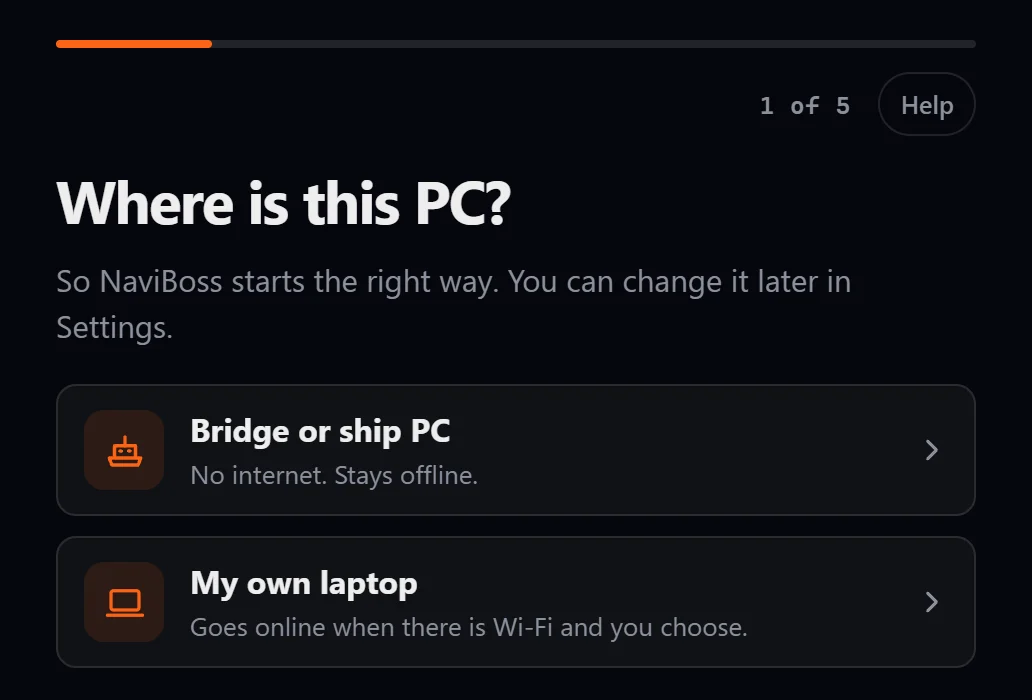
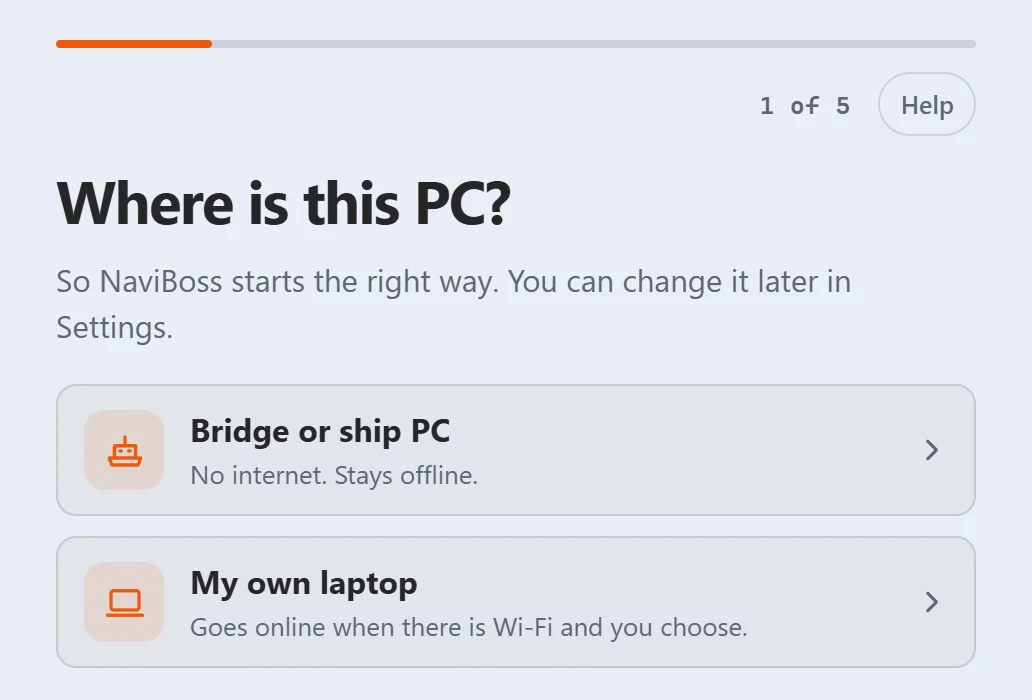
Say where this PC is
NaviBoss asks Where is this PC? Choose My own laptop for a PC you take ashore: it goes online when there is Wi-Fi. Choose Bridge or ship PC for a PC that stays offline. You can change this later in Settings › Internet.
Type your licence key
On Type your licence key, type or paste the key, then press Next.
Say it has internet
On Does this PC have internet?, press Yes, activate now. It takes a few seconds.
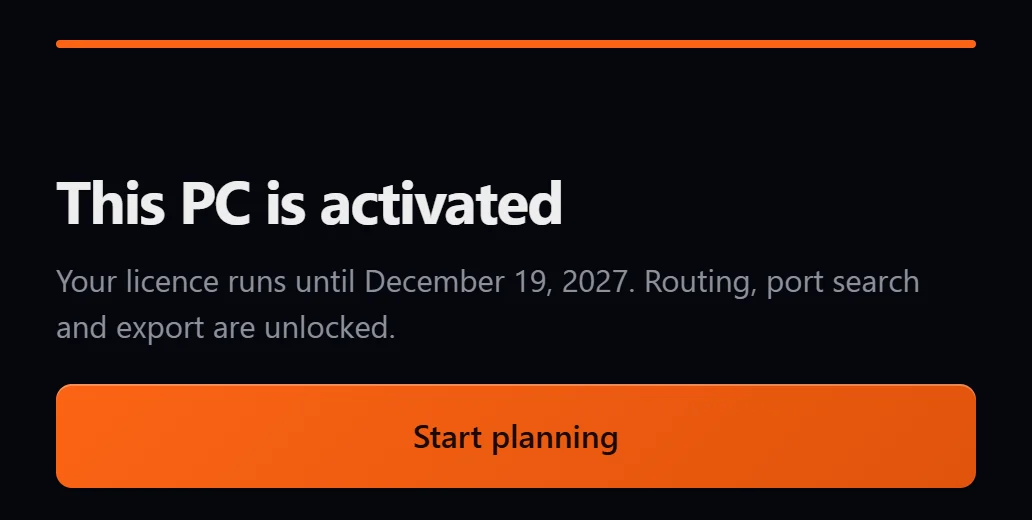
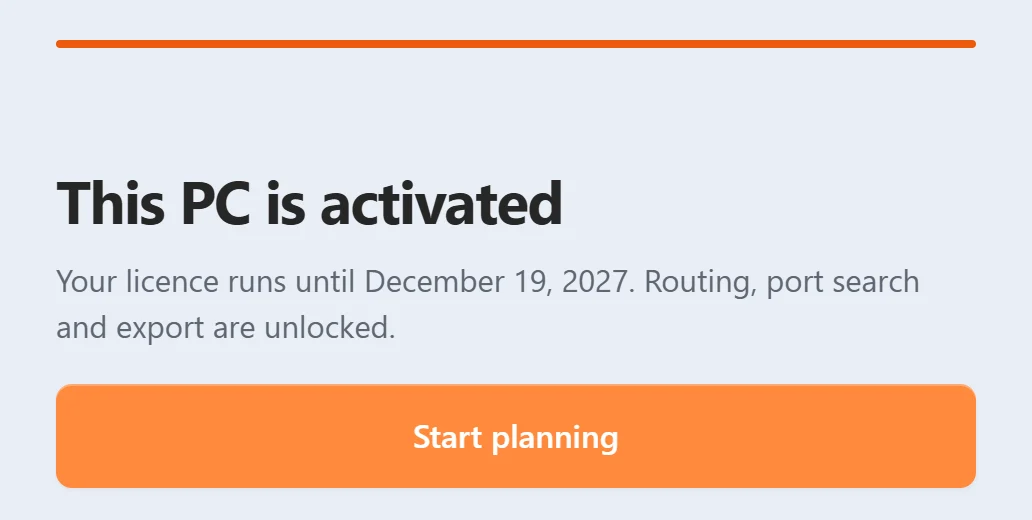
Start planning
This PC is activated shows the date your licence runs until. Press Start planning.
#Activate later
Pressed Not now? NaviBoss opens, but routing, port search and export stay off until the PC is activated. You can still open and view a route file.
To activate, use either of these:
- Click Account at the foot of the tool rail, then the orange Activate this PC.
- Open Settings › License & data and press Activate this PC beside Licence key.
Both open the same screens, starting at Type your licence key.
#What activating uses
Each PC you activate takes one of your plan's PCs: 2 on 6 months, 4 on 1 year. The same PC activating again keeps its place, so you can do it as often as you need. See How many PCs.
On a Lifetime plan, a PC activated this way, with internet, takes one of your Lifetime licences. It renews by itself whenever it is online. See Lifetime.
#If it does not work
A message shows under the buttons and says what went wrong. Every message is explained in Activation messages.
- The PC has no internet after all? Press Back and choose No, it's a bridge PC. Your phone then does the online part: see Activate a bridge PC with no internet.
- Behind a company firewall? Same answer: use the phone.
Still stuck? Write to [email protected]. Say which plan you have and, for Desktop, the PC code from Settings › License & data › This PC.
About our guides
NaviBoss guides are written and checked by maritime industry experts, masters and deck officers. Each one is built from the same data the planner uses, dated, and rebuilt when that data changes. Spotted something wrong? Tell us on the feedback board.
A planning aid, not for navigation. Check official charts and publications, the latest notices and your company's instructions before you rely on any figure here.
Free Ready when you are
Get NaviBoss Desktop
For Windows 10 and 11. It plans routes with no internet at all.
Download NaviBoss DesktopFree account · no card