

Guide NaviBoss help
How to keep the NAVAREA warnings on your route up to date during the voyage
Save the voyage, open it again each day: the warnings are live, so the list is today's. Re-export the user chart when it changes.
New NAVAREA warnings come out every day. NaviBoss reads them as they are issued (it checks the feed every 30 minutes while the warnings are on the chart), so the list for your route is always today's. NaviBoss does not alert you to a new one: open your voyage and look, once a day or before each watch.
#Steps
Save the voyage
Press Save on the voyage card. It stays with your account, on any device.
Each day, open it again
Open it from Saved voyages in the planner. The route comes back as you saved it.
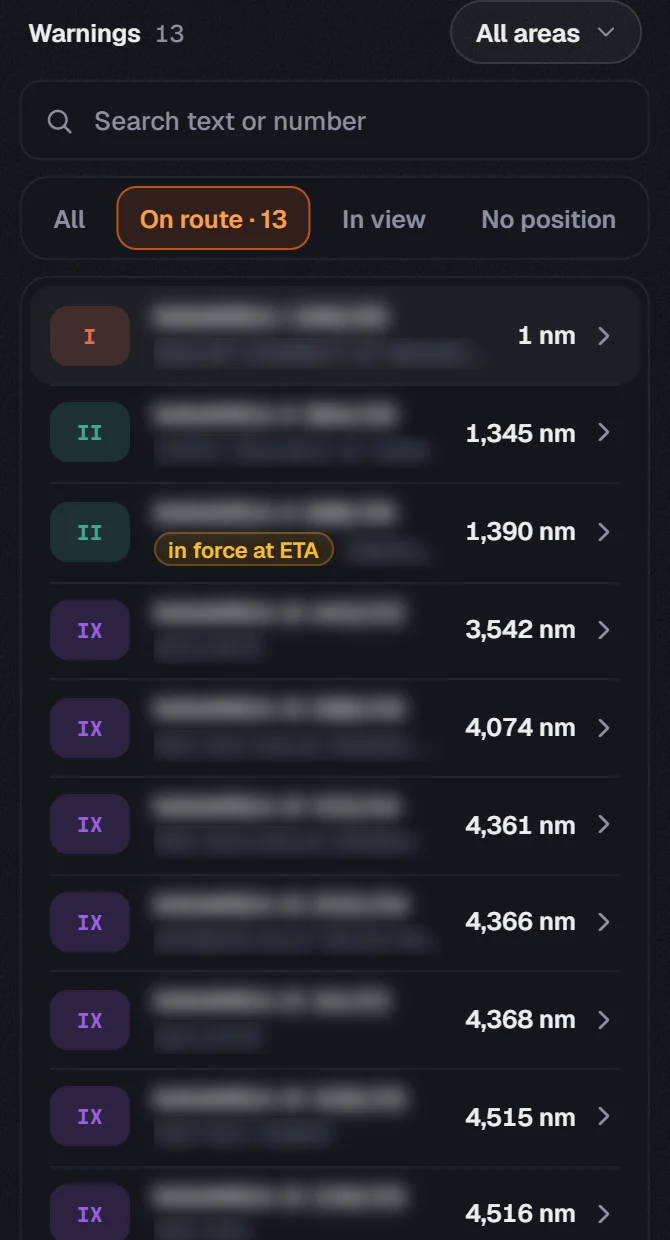
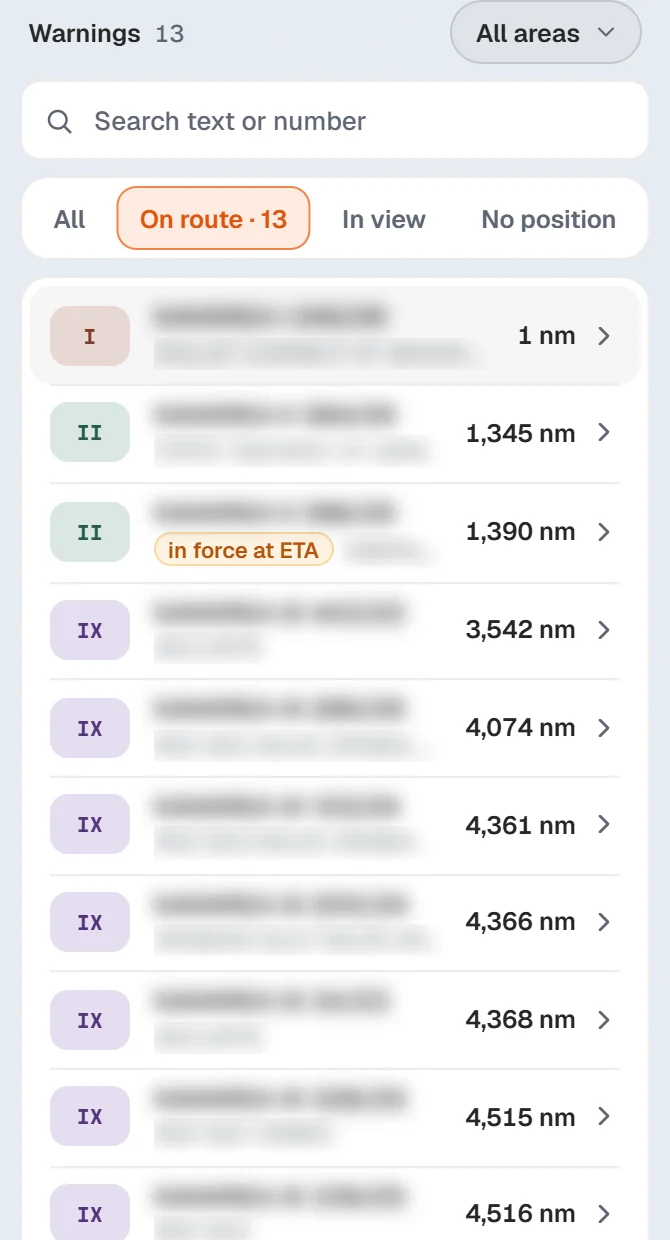
Open Warnings
The list is today's: warnings issued since are in it, and cancelled ones are gone. Last updated under the briefing says when NaviBoss last read the feed.
Re-export the user chart
When the list has changed, export the user chart again and load it on the ECDIS. See NAVAREA warnings to your ECDIS.
About our guides
NaviBoss guides are written and checked by maritime industry experts, masters and deck officers. Each one is built from the same data the planner uses, dated, and rebuilt when that data changes. Spotted something wrong? Tell us on the feedback board.
A planning aid, not for navigation. Check official charts and publications, the latest notices and your company's instructions before you rely on any figure here.
Free Ready when you are
Do it on your own voyage
Free account, no card. The tour walks you through it in the planner.
Start the tourFree account · no card